
As you know, Magento 2 comes with latest technology like HTML5, CSS3, Bootstrap, RequireJs, PHP 7, etc. It also includes some other techniques that decrease the load time of page. As per the Magento 2, When a browser loads a web page and requests a static view file such as a JavaScript, CSS, image file,…

Page 67 of 68

Happy to see you guys again! In this blog post, we will learn how to create Magento 2 extension step by step and basic knowledge required to setup a module. we will also introduce the coding of Magento 2 in the form of a “Hello Developer” style. This blog post also includes some basic functionality,…

Magento has been the benchmark set amongst the e-commerce frameworks available in the market. Magento Widgets are small Magento extensions with a predefined set of configuration options. Using them the store administrators can enrich the front-end blocks functionality. They provide great control and flexibility in creating informational and marketing content. Personally I see the widgets…

As you know there are so many alternate methods to get product details by given id in Magento 1.x. This code snippet will be very useful at many custom development with Magento. Lets check the code used in Magento 1.x. $productId = 10 // Assign product id here.. $_product = Mage::getModel(‘catalog/product’)->load($productId); List of some methods…

Sometimes you need to extend functionality of Magento 2 categories. In this article I would like to show you how to add a new custom category attribute. Let’s say, this attribute is needed to display/hide some content on the category page. Now let’s write our installation script under Setup folder. I’ve included comments within to…
Recently I have found one solution to add calendar in system configuration options. Lets discuss in detail. In order to add calendar in system configuration options, we have to add one system field and require one Block file. Use below code to add system field. <field id=”startdate” translate=”label” type=”text” sortOrder=”20″ showInDefault=”1″ showInWebsite=”1″ showInStore=”1″> <label>Start Date</label>…

To get the id of current CMS page in Magento 2, use the following code snippet. protected $_page; public function __construct( … \Magento\Cms\Model\Page $page, … array $data = [] ) { parent::__construct($context, $data); … $this->_page = $page; … } if ($this->_page->getId()) { $pageId = $this->_page->getId(); } There are so many other methods to get CMS…
In this blog post, we learn how to add WYSIWYG editor with textarea in admin system configuration options. First we will add one system config field in system.xml file. Use below code to add new field with the type Editor. <field id=”editortextarea” translate=”label” type=”editor” sortOrder=”10″ showInDefault=”1″ showInWebsite=”1″ showInStore=”1″> <label>Textare with WYSIWYG</label> <frontend_model>Hiddentechies\ConfigEditor\Block\Adminhtml\System\Config\Editor</frontend_model> </field> In order…
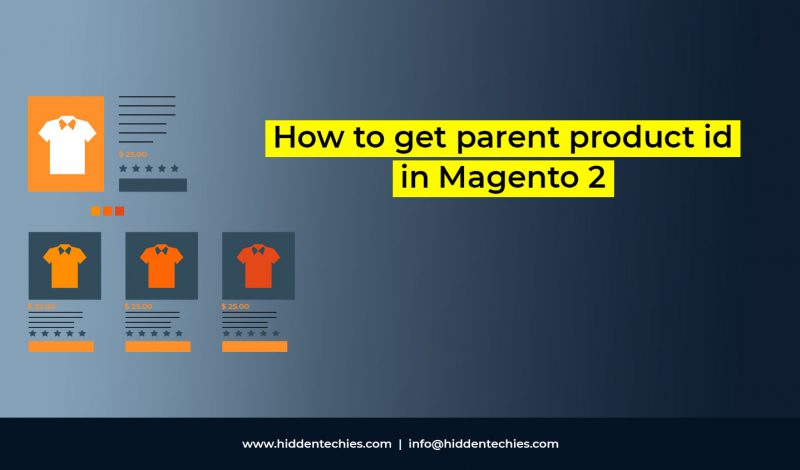
As you know when we works with any customization work related to configurable product and simple product, we need some code snippet that helps us to find out the relation between parent and child product. Lets take one example, when we have one simple product (child product) and we need all the simple (child) product…
In this blog post, we will see how to retrieve currently logged in customer details in Magento 2. We can retrieve the currently logged in customer details using an instance of \Magento\Customer\Model\Session model through constructor. After initialization of model instant, we need to store instantiated object into protected variable like $customerSession. Session model contains so…


Recent Comments