In this post I am going to explain how to get system configuration value in phtml file in Magento 2. You can get system configuration field value programatically as below. Add below code snippet in Block class. protected $scopeConfig; public function __construct( \Magento\Framework\View\Element\Template\Context $context, \Magento\Framework\App\Config\ScopeConfigInterface $scopeConfig, array $data = [] ) { $this->scopeConfig = $scopeConfig;…

Page 14 of 68

SEO for eCommerce is highly specific since you need to make your store visible for search engines, reach out to potential customers, and convince them to buy at the same time. However, there are a lot of tools and writing tips to do it right. We are going to share them in our article, so…
In this post I am going to explain how to unlock admin user via command line in Magento 2. First login to SSH panel and navigate to Magento 2 setup root. Run the following command. It will show usage of the command. php bin/magento admin:user:unlock –help Output: Description: Unlock Admin Account Usage: admin:user:unlock <username> Arguments:…

Web design has always been an important part of success for websites of all kinds. But when it comes to eCommerce web design, there are some things you should know if you aren’t working with eCommerce website developers and planning to learn how to create a website from scratch. Here’s all you should know about…

In this post I am going to explain how to hide admin menu based on system config in Magento 2. In order to add admin menu we write code in menu.xml file, which is located at <vendor>/<module>/etc/adminhtml/. So now let’s see how you can hide menu based on conditions. Check the below code snippet. <?xml…
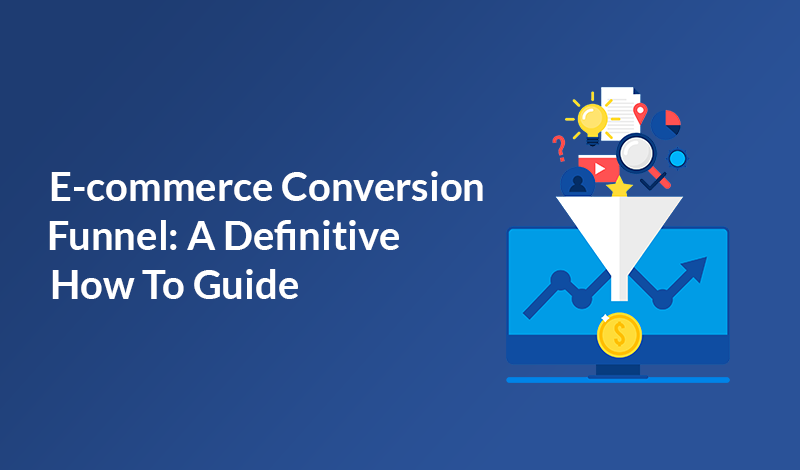
E-commerce conversion funnel seems easy in theory: a consumer gets to know your brands through an online ad or other source, visits and browses your website, finds the product they like, and becomes your customer. Sounds easy in theory. In practice, however, the story is different. An e-commerce conversion funnel is not a straight journey…
In this post I am going to explain how to get creditmemo details by order id in Magento 2. Using below code snippet you can get creditmemo details by passing order id. 1. Using Dependency Injection Add below code snippet in Block class. protected $_searchCriteriaBuilder; protected $_creditmemoRepositoryInterface; protected $_logger; public function __construct( \Magento\Framework\View\Element\Template\Context $context, \Magento\Framework\Api\SearchCriteriaBuilder…
In this post I am going to explain how to add hidden field in ui_component form in Magento 2. Check the below example code snippet to add hidden field in ui_component. <field name=”id” formElement=”hidden”> <argument name=”data” xsi:type=”array”> <item name=”config” xsi:type=”array”> <item name=”dataType” xsi:type=”string”>text</item> </item> </argument> </field> Here formElement=”hidden” is used to create a hidden field….

Meet Etrend Magento 2 Theme built specifically for increase conversion and drive more sales. We’re so exited to share this brand new theme with you. In this post, we’ll unpack Etrend’s exciting features and how they can help you drive more sales. To see it in action, go ahead and check out Etrend demo. Increase…

In this post I am going to explain how to create and call modal popup widget in Magento 2. First, you need to create a “mymodal.js” file at below path. Path: app/code/<vendor>/<module>/view/frontend/web/js/mymodal.js define([ ‘jquery’, ‘Magento_Ui/js/modal/modal’ ], function( $, modal ) { var options = { type: ‘popup’, responsive: true, innerScroll: true, buttons: [{ text:…


Recent Comments