
As December month reaches, people start planning for their holiday season. This means it could be more profitable for your website as it offers an excellent opportunity to end the year with a strong online presence. Have you Make Your Website Ready for Holidays Season? A research firm Deloitte expects that online holiday sales in…

Page 14 of 69
In this post I am going to explain how to remove block from layout on specific condition Magento 2. If you have a specific condition to add/remove block then you can achieve it by observer. Here I have given the example to remove search block. First you need to create event.xml file on below path….
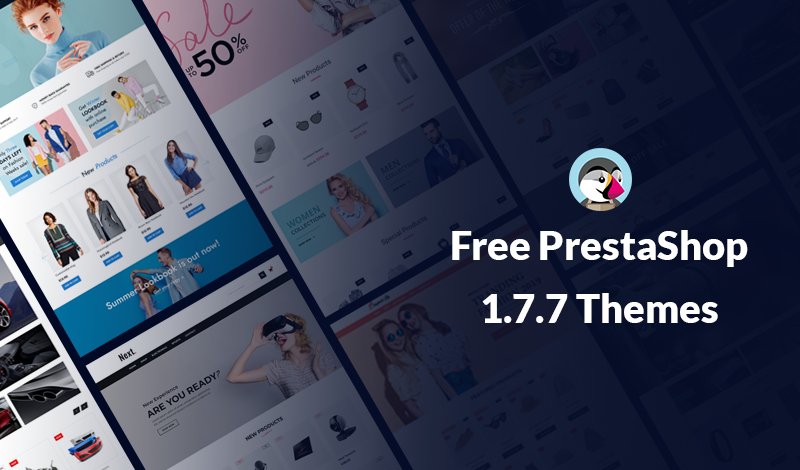
Free PrestaShop 1.7.7 Themes, Download Now! Today we are introduce a powerful Free Themes for PrestaShop 1.7.7 to launch your ecommerce website. These are the Best Free PrestaShop Themes for making a websites and it’s look a like an elegant online ecommerce store. Choose the Best Free PrestaShop 1.7.7 Themes from the below list. PrestaShop…
With forecasts indicating an 18% increase in e-commerce spending in the United States alone, your company should put more attention on its user interface and optimize the overall shopping experience for your customers. Increasingly, people are buying things online, which has pushed companies to develop eCommerce Websites and apps for small businesses. Platforms like Magneto…
In this post I am going to explain how to get customer data by customer email Magento 2. Using below code snippet you can get customer data by passing customer email and website id. Add below code snippet in Block class. protected $_customerRepository; public function __construct( \Magento\Framework\View\Element\Template\Context $context, \Magento\Customer\Api\CustomerRepositoryInterface $customerRepository, array $data = [] )…
In this post I am going to explain how to get Magento 2 edition and version. 1. Using Dependency Injection Add below code snippet in Block class. protected $_productMetadataInterface; public function __construct( \Magento\Framework\View\Element\Template\Context $context, \Magento\Framework\App\ProductMetadataInterface $productMetadataInterface, array $data = [] ) { $this->_productMetadataInterface = $productMetadataInterface; parent::__construct($context, $data); } /* Get Magento 2 Edition */ public…
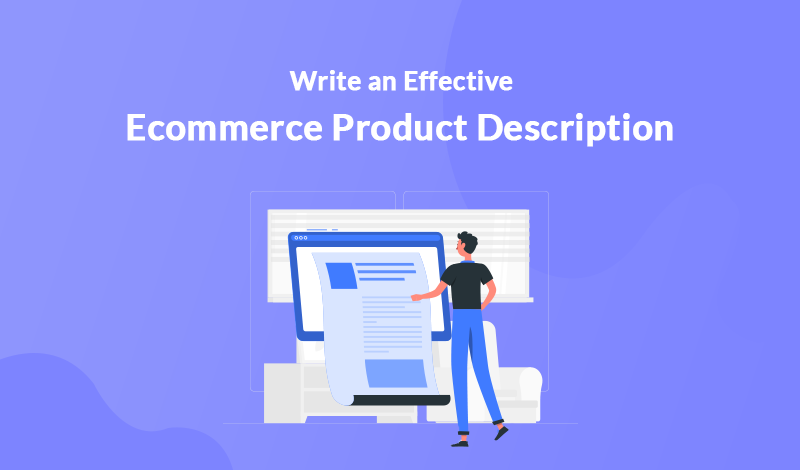
When you’re about to decide which product you want to buy, what kind of information are you looking for? Chances are that the first thing you’re searching for is the description of the product you’re interested in. And it’s completely understandable – how else can you find all the relevant product information in one place?…
In this post I am going to explain how to get system configuration value in phtml file in Magento 2. You can get system configuration field value programatically as below. Add below code snippet in Block class. protected $scopeConfig; public function __construct( \Magento\Framework\View\Element\Template\Context $context, \Magento\Framework\App\Config\ScopeConfigInterface $scopeConfig, array $data = [] ) { $this->scopeConfig = $scopeConfig;…

SEO for eCommerce is highly specific since you need to make your store visible for search engines, reach out to potential customers, and convince them to buy at the same time. However, there are a lot of tools and writing tips to do it right. We are going to share them in our article, so…
In this post I am going to explain how to unlock admin user via command line in Magento 2. First login to SSH panel and navigate to Magento 2 setup root. Run the following command. It will show usage of the command. php bin/magento admin:user:unlock –help Output: Description: Unlock Admin Account Usage: admin:user:unlock <username> Arguments:…


Recent Comments