In order to retrieve version of any extension/module in Magento 2, you can use following code snippet. $versionInfo = $this->_objectManager->get(‘Magento\Framework\Module\ModuleList’)->getOne(‘Wallet_Version’); echo “<pre>”; print_r($versionInfo); echo “</pre>”; Here, Wallet is vendor name and Version is module name.

Page 65 of 68
Recently I have found one solution to add jQuery calendar to custom frontend form. Lets discuss in detail. In order to add jQuery calendar to custom frontend form, we have to add text input field to custom frontend form. As per below code create one new text input field inside form block. <input type=”text” class=”input-text…
In this blog post, you will learn how to enable SSL in Magento 2 step by step. The private SSL certificate is an important upgrade to your website. The basic function of an SSL is to encrypt all communication between the browser and the server, ensuring that all data goes through a secure (HTTPS) connection….
In this blog post, you will learn how to disable extensions in Magento 2 step by step. Please follow below steps to disable any extensions from your Magento 2 store. 1) Log in to Magento 2 using your admin account. 2) From left sidebar, click Stores, and then Settings -> Configuration. 3) In this page,…
n this blog post, you will learn how to change default copyright text in Magento 2 step by step. Please follow below steps to add new copyright text for your store. 1) Log in to Magento 2 using your admin account. 2) From left sidebar, click Stores, and then Settings -> Configuration. 3) In this…
In this blog post, you will learn how to remove email to friend feature in Magento 2 step by step. Please follow below steps to remove email to friend feature from your Magento 2 store. 1) Log in to Magento 2 using your admin account. 2) From left sidebar, click Stores, and then Settings ->…
In this blog post, you will learn how to disable wish list feature in Magento 2 step by step. Please follow below steps to disable wish list feature from your Magento 2 store. 1) Log in to Magento 2 using your admin account. 2) From left sidebar, click Stores, and then Settings -> Configuration. 3)…
This tutorial will show you how to change the logo image in transactional e-mails of your Magento 2 store. Please follow below steps to add new logo for emails in your Magento 2 store. 1) Log in to Magento 2 using your admin account. 2) From left sidebar, click Stores, and then Settings -> Configuration….
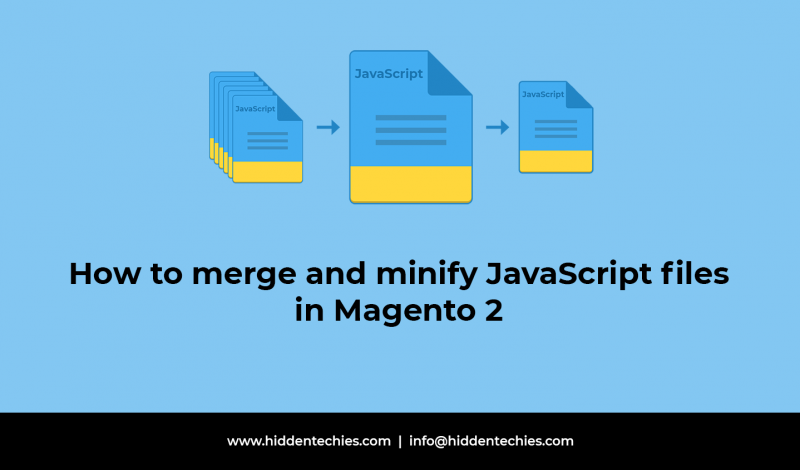
This tutorial will show you how to merge and minify JavaScript files in Magento 2 store. Please follow below steps to merge and minify JavaScript files in Magento 2. 1) Log in to Magento 2 using your admin account. 2) From left sidebar, click Stores, and then Settings -> Configuration. 3) In this page, expand…

In this blog post, you will learn how to change theme in Magento 2 step by step. Please follow below steps to change your existing theme. 1) Log in to Magento 2 using your admin account. 2) From left sidebar, click Stores, and then Settings -> Configuration. 3) In this page, expand GENERAL section in…


Recent Comments