


- Lifetime Free Update
- 14 Days Money Back Guaranteed
- Free 90 Days Support
- Rewards On Each Purchase
- Quality Checked
- 100% Open Source
- Easy Installation

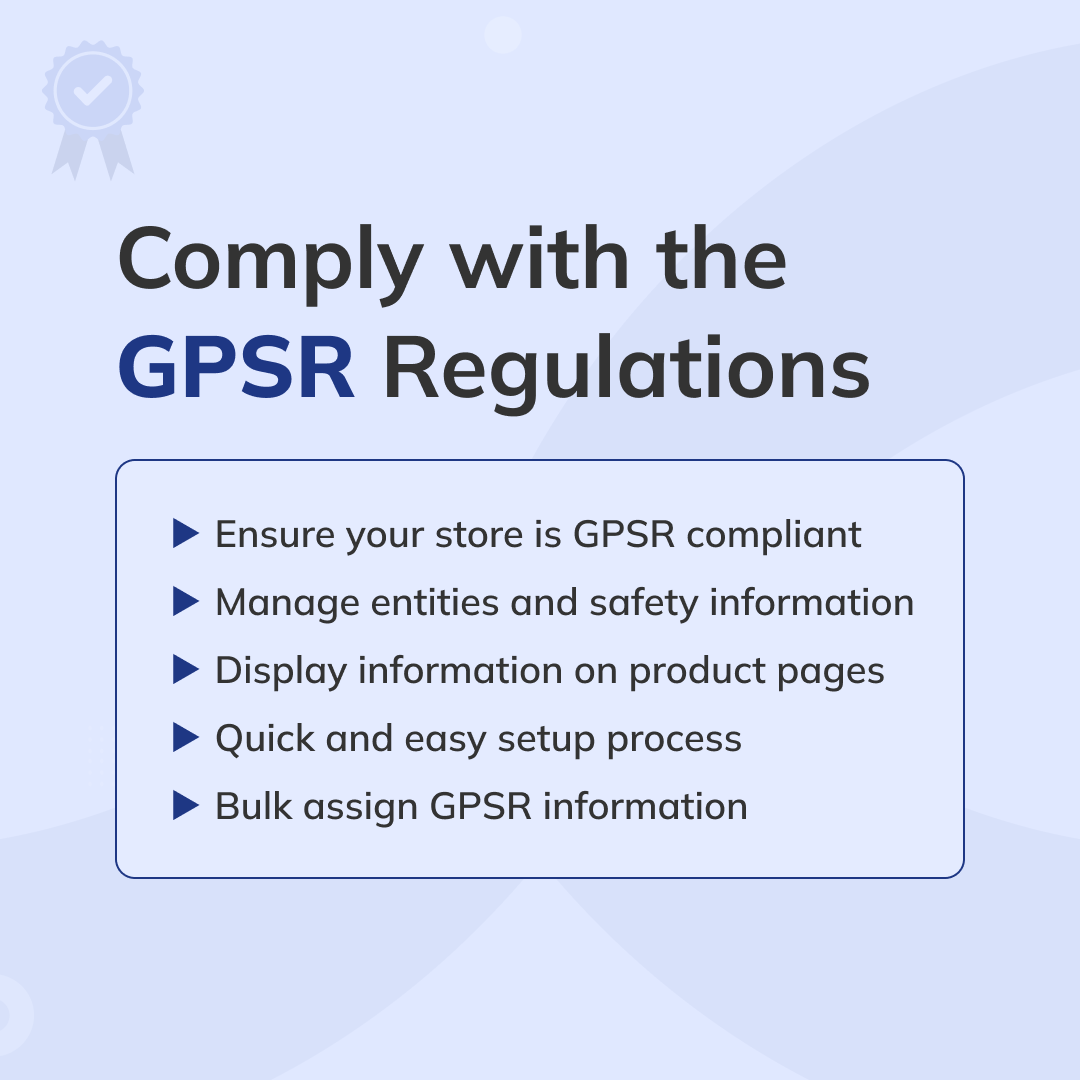
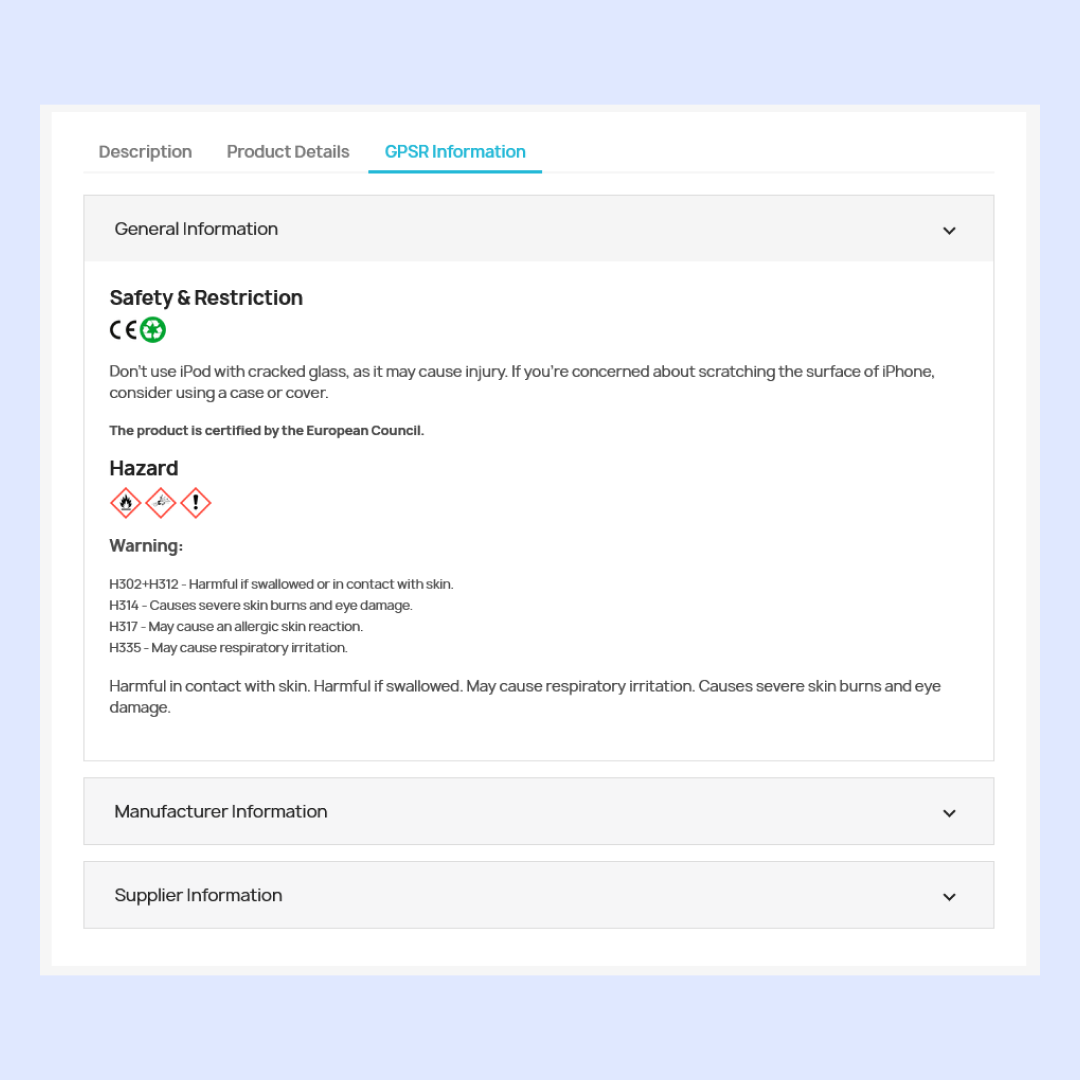
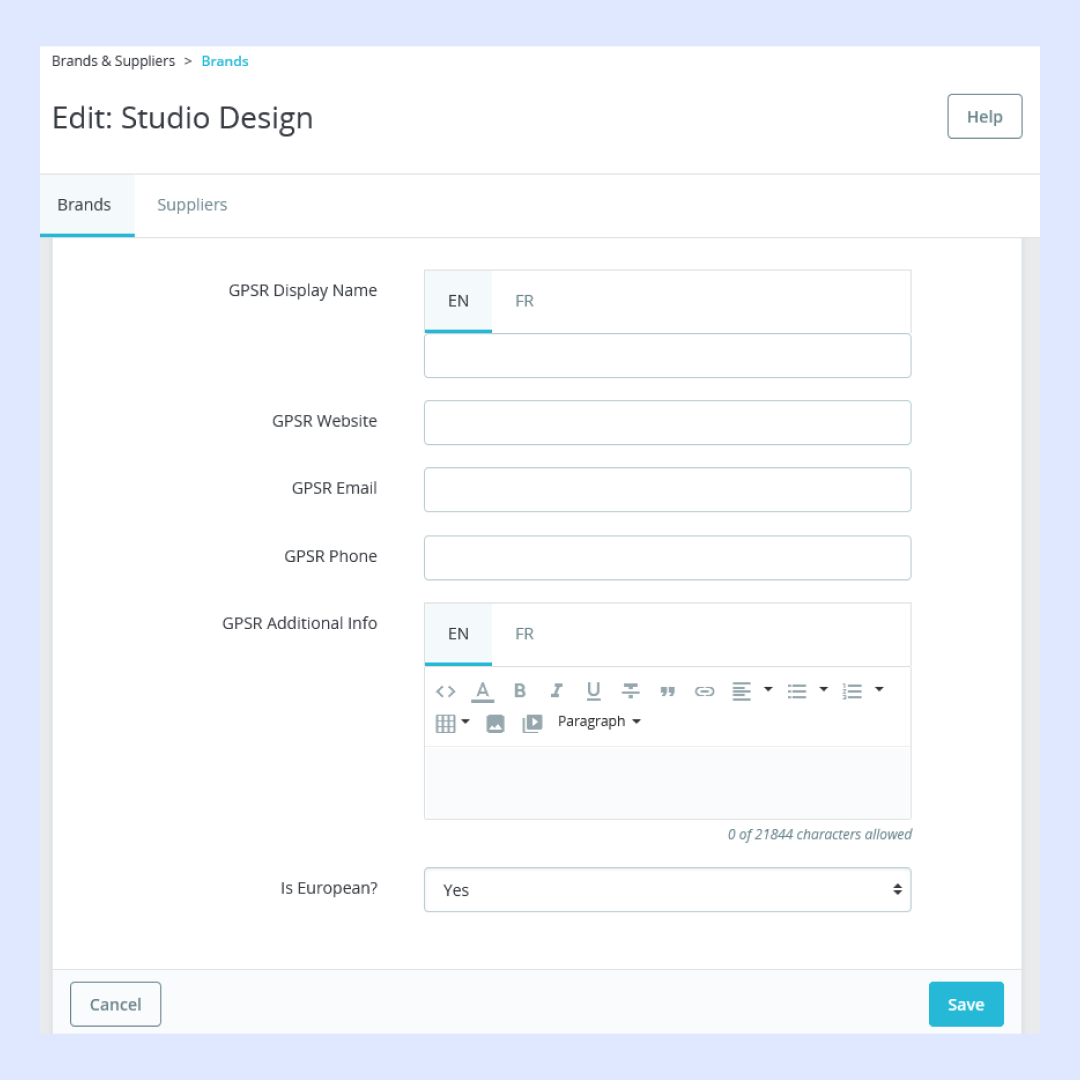
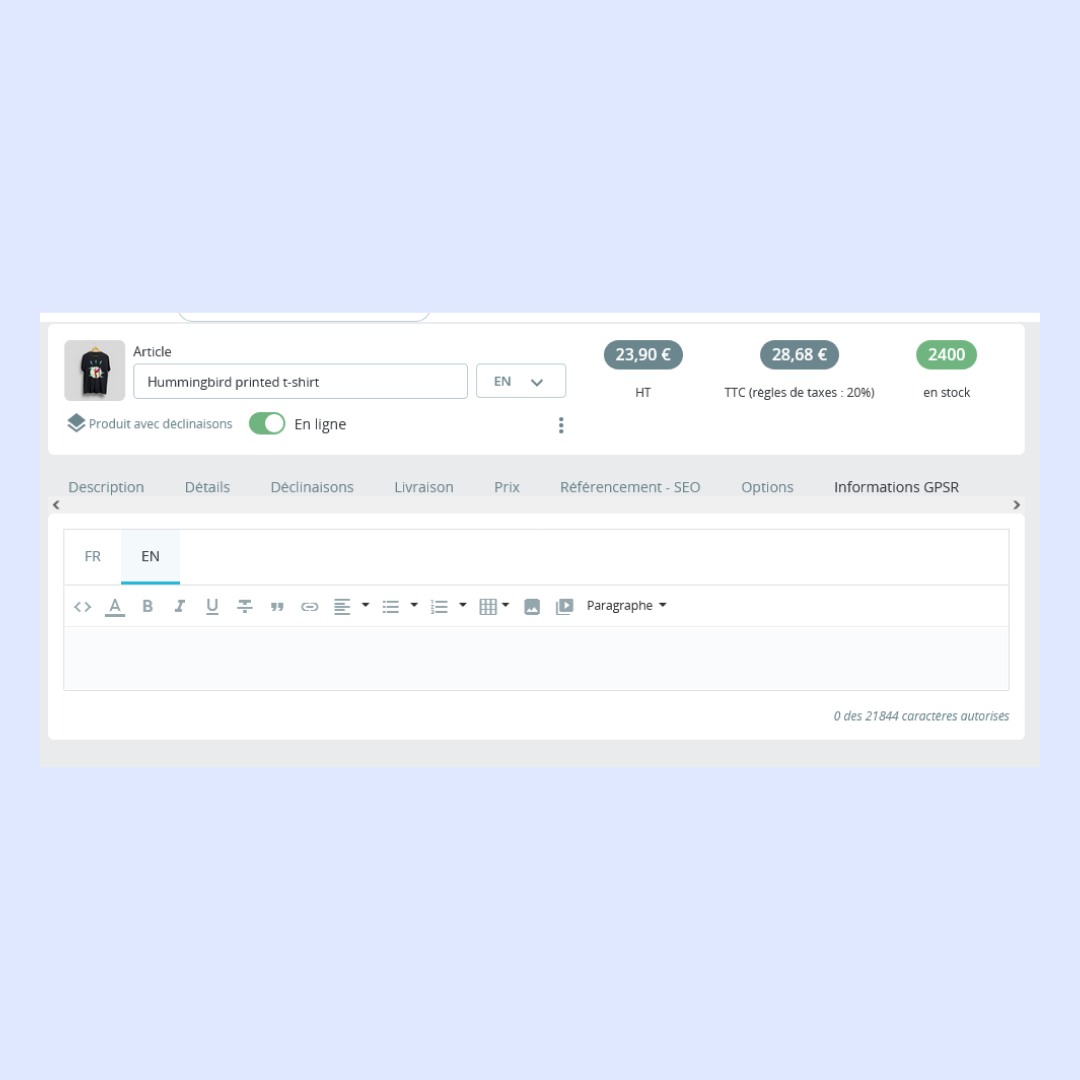
GPSR Compliance Pro - PrestaShop Module helps ensure that all your products meet EU General Product Safety Regulation requirements. It allows you to manage GPSR-related information in a detailed product overview tab, covering all necessary attributes. Any missing details can be effortlessly added in the product details section, with full support for product variants, making compliance management more efficient. This GPSR Compliance Pro PrestaShop Module helps to build trust with your customers. Perfect for scaling businesses focused on compliance.
What your customers will like
- Customers can easily access detailed safety information about products, manufacturers, and suppliers.
- Verified safety and quality standards help them make informed purchasing decisions.
- Increased transparency builds trust and enhances the overall shopping experience.
- Confidence in product reliability leads to higher satisfaction and repeat purchases.
- A secure and informed shopping environment ensures peace of mind for customers.
 GPSR Compliance
Boost your PrestaShop store with GPSR – The ultimate compliance powerhouse! Effortlessly manage and showcase critical safety information for manufacturers and suppliers
 Works With Any Theme
GPSR Compliance Pro for PrestaShop module is work with any theme or layout. Easy integration with quick setup and seamless performance.
 No Coding Required
Add GPSR Compliance Pro module to your ecommerce store in only one minute without having any technical knowledge. Easy to Integrate & manage.
 One Click Configuration
Configured GPSR Compliance Pro module for your PrestaShop store instantly. Just do simple settings from backend. It's that easy.
Why purchase with us?





Let’s explore the key features of this module!
- Easy integration with quick setup and seamless performance.
- Showcase safety information directly on product pages.
- Supports multiple languages for all fields.
- No programming skills required
- Works with any theme
- Very easy installation and configuration
- Compatible with all PrestaShop versions 1.7, 8.x, 9.x
and many more!
Installation Process
- Backup your web directory and store database
- Download module package from your account
- Login to your administration panel
- Now In the modules tab, click on Upload a module
- If the file is on your computer, click on Browse to open the dialogue box letting you search your computer, select the file.
- If the installation is successful, the following message will appear: "Module installed!"
- The module will then appear in your list of modules under the Installed modules tab.
- If the Configuration button available, Click on it to configure it.
- If you find any error during the installation of any module than you can open a ticket at support.hiddentechies.com
Support
We believe in providing the highest level of service, so we make an effort to respond to every mail within 1-2 days. So you can be sure we're here for you.
Last Update
11th Nov 2025
Product Version
5.4.0
Compatibility
PrestaShop 1.7.x, 1.7.8.x, 8.0.x, 8.1.x, 9.x