
It has been truly said that “Pictures speak more than words”. Sharp and colourful pictures add quality and life to any text. A placeholder service allows you to automatically use a random image at the desired dimensions with minimal effort. Placeholders give designers an idea of how their client`s website will look before the final…

Category: eCommerce Tips (page 8 of 23)
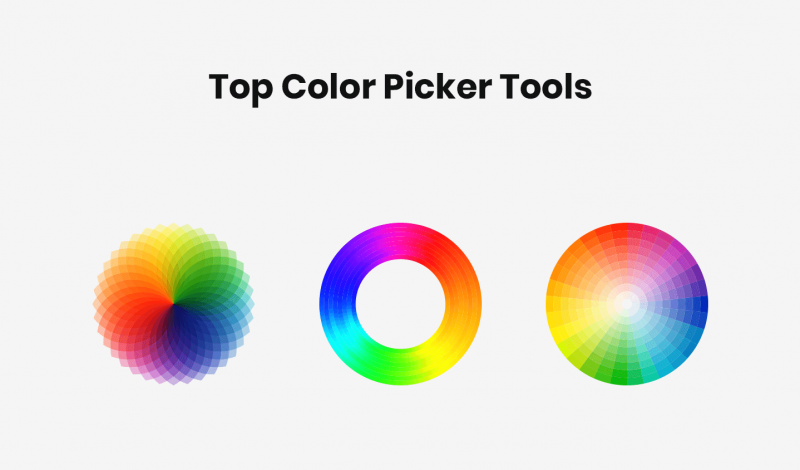
Whether you’re creating a logo, designing a website, or defining a brand identity, color plays a vital role in any design project. Selecting a perfect color is always a confusing and time taking process. Color picker tools help many times to identify the color which I have liked from somewhere else and put it on…

Blogging is a great way to connect with the world. Whether you blog to express your passion for your hobbies or blog to help promote a business. To be a writer, you need a pen and paper, a dose of courage and a flair for words. But if you want to be a writer online,…

Have you ever tried to share a link to your latest blog post and realized it was long, and ugly, and exceeded the Twitter character count? This is where a URL Shortener Websites would be helpful. URL Shortener Websites were initially popular because web addresses started to get long and links would break when sent…

Email marketing is a great way to get your message across, whether you’re a blogger or you’re a business trying to generate more leads. The best email marketing channels, software, and platforms all have different price points and features. It can even help you amplify your other marketing channels such as social. One of these…

Are you planning on using Google Fonts on your website? Then this guide will help you to pick the right font for your website design. Google Fonts that offer the best user experience in terms of readability. Google Fonts are one of the most popular typeface fonts you’ll find online. Just like typography is the…
In this article we’ll show you, how to Configure Cron in Magento 2. Follow this simple guideline… Step 1: Get Started Login into Magento Admin Panel and from sidebar go to, Store > Settings > Configuration. Step 2: Configure Cron Now from sidebar, Go to Advanced > System. Now Expand Cron (Scheduled Tasks) section. Complete…
In this article we’ll show you, how to Optimize Resource Files in Magento 2. Follow this simple guideline… Step 1: Get Started Login into Magento Admin Panel and from sidebar go to, Store > Settings > Configuration. Step 2: Optimizing Resource Files Now from sidebar, Go to Advanced > Developer. To optimize CSS files, Expand…
In this article we’ll show you, how to add your IP Address to Whitelist in Magento 2. Follow this simple guideline… Step 1: Get Started Login into Magento Admin Panel and from sidebar go to, Store > Settings > Configuration. Step 2: Add IP Address to Whitelist Now from sidebar, Go to Advanced > Developer….
In this article we’ll show you, how to Schedule Backups in Magento 2. Follow this simple guideline… Step 1: Get Started Login into Magento Admin Panel and from sidebar go to, Store > Settings > Configuration. Step 2: Schedule Backups Now from sidebar, Go to Advanced > System. Now Expand Backup Settings. Do the following….

Recent Comments