
In order to change the position of module, please read below steps.
1. Go to Back-office > Design > Positions:
On the position page you will find the list of module in each hooks.
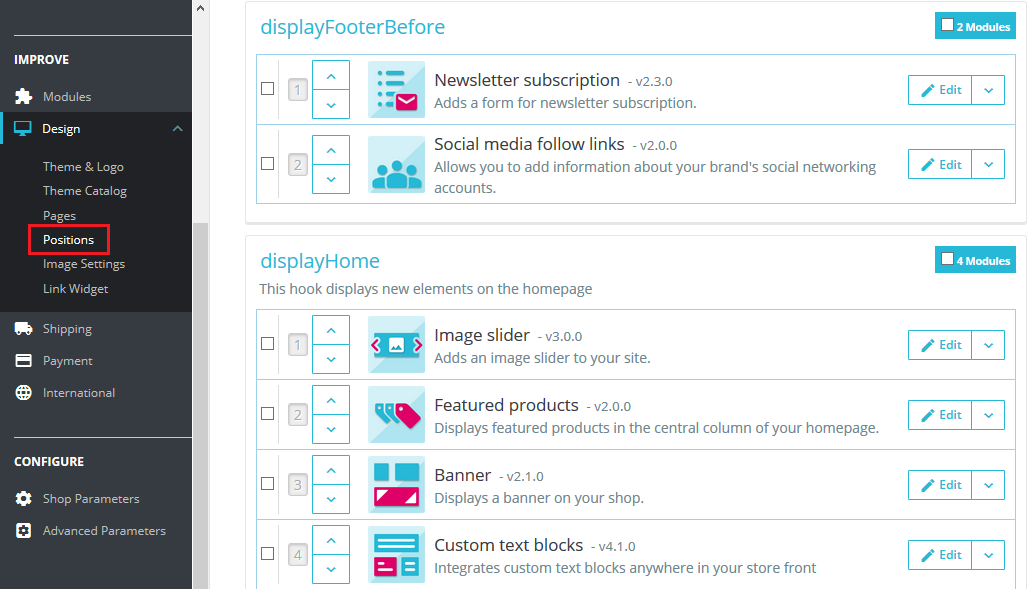
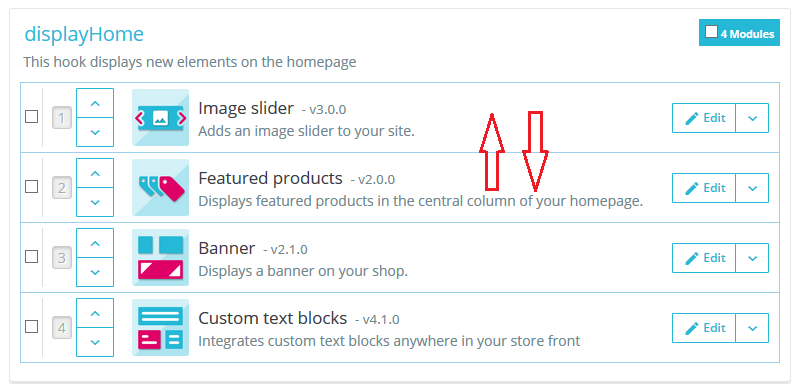
2. Now, Just drag and drop or use up and down arrows to change position within a hook. Changes will be saved automatically.
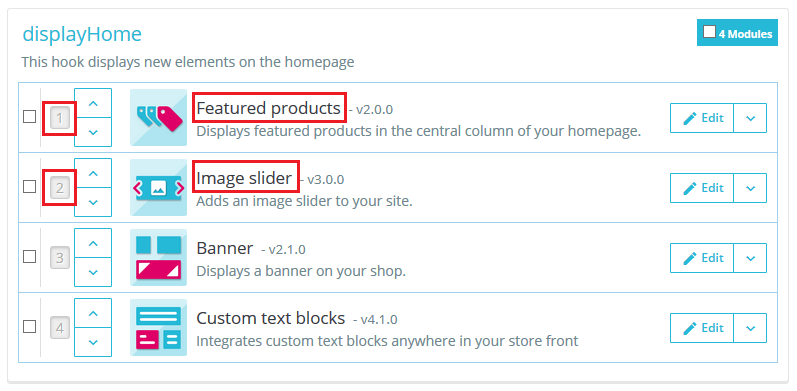
In the below screenshot, You can see that position of Image Slider module has been changed.
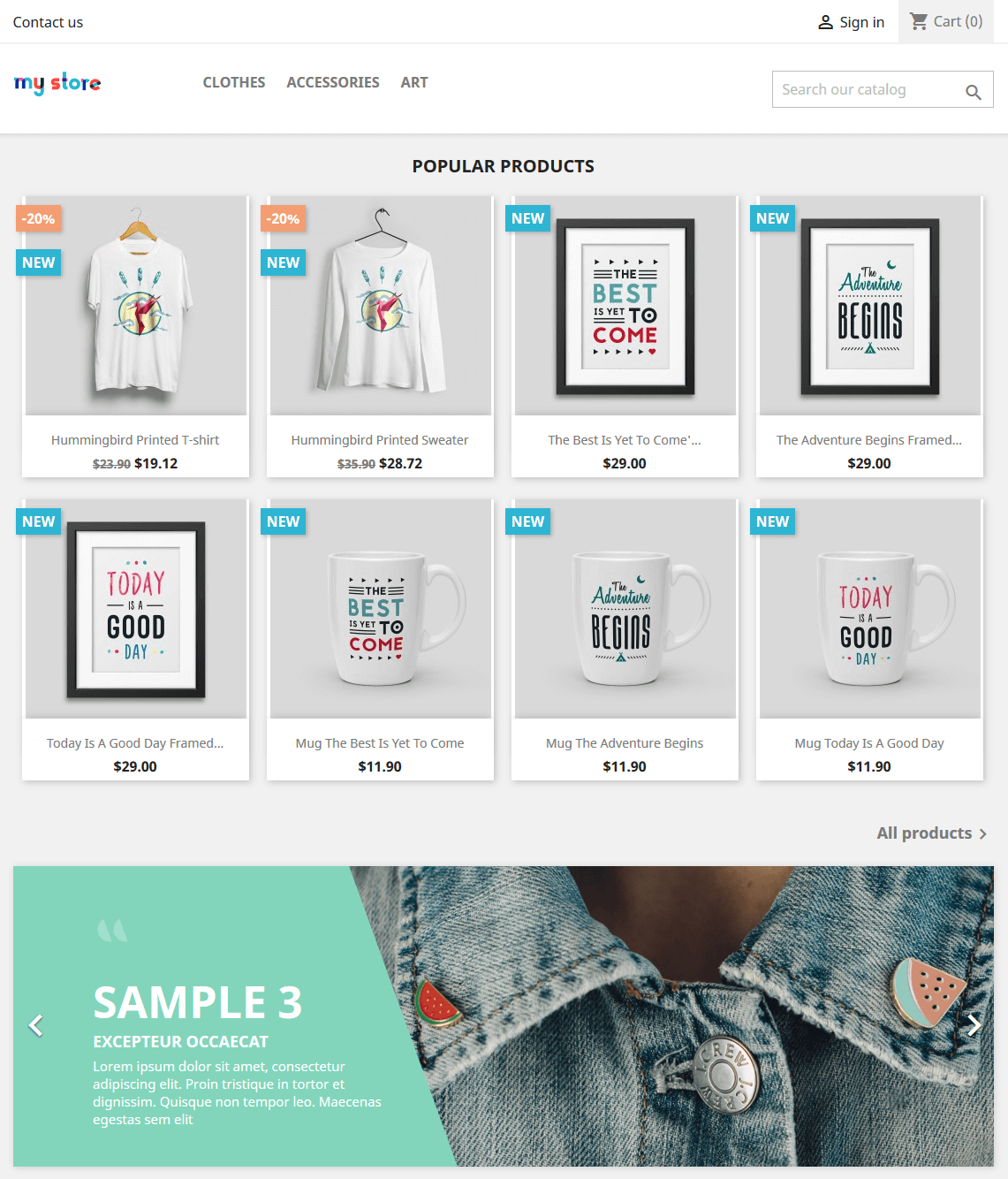
3. Let’s see the front-office view.
I hope this was helpful for you!


Write an article about ecommerce that help people to grow their ecommerce business. You’ll find best ecommerce guide, news, tips & more!


Leave a Reply