
agento 2 provides you with a flexible functionality to set properties to each product in a catalog. Attributes and attribute sets are one of the most powerful features in Magento. Using Magento product attributes you can set such product features as color, size, shape, etc. You can essentially customize the product attribute in Magento 2…

Tag: Magento 2 Tutorial (page 3 of 3)
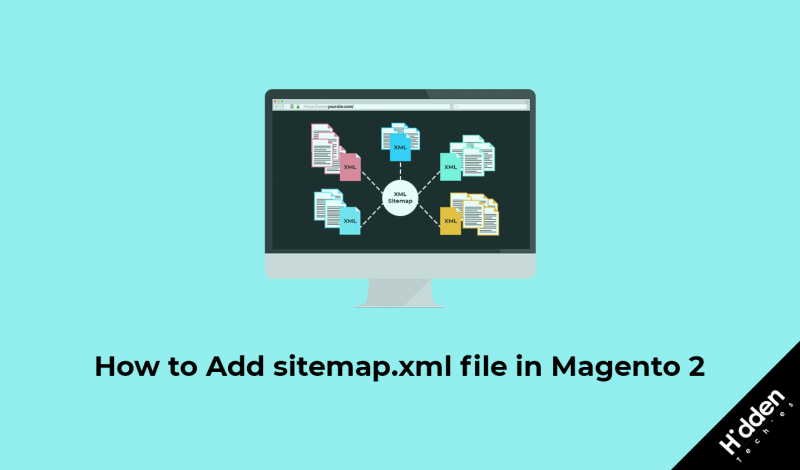
Sitemaps allow website owners to inform search engines what pages on their website are available for crawling. Do not worry. You do not need to manually enter every single URL from your website in order to create your sitemap. Magento 2 comes bundled with the ability to generate a Google sitemap. Google sitemaps are XML…

If you’re getting logged out of your Magento 2 admin after some time you can easily increase the session timeout from backend. In this blog post, we will learn how to increase Magento 2 admin session timeout. Lets set session timeout to 1 day(86400). In order to increase session timeout, Log into your Magento 2…

Google Analytics is a free Web analytics service that provides statistics and basic analytical tools for search engine optimization (SEO) and marketing purposes. This service helps store owners to boost sales, find more customers, improve their business. Here are some benefits of using Google Analytics with eCommerce store. Able to find out how your visitors…

As we know Magento 2 does not include features like adding extra(home, blog) links to main navigation menu. In this blog post we will discuss how to add non category links to navigation menu in Magento 2. In this we will use Magento 2 Observer page_block_html_topmenu_gethtml_before to add new link to menu. Lets consider module…

As you know, Magento 2 comes with latest technology like HTML5, CSS3, Bootstrap, RequireJs, PHP 7, etc. It also includes some other techniques that decrease the load time of page. As per the Magento 2, When a browser loads a web page and requests a static view file such as a JavaScript, CSS, image file,…
Recently I have found one solution to add calendar in system configuration options. Lets discuss in detail. In order to add calendar in system configuration options, we have to add one system field and require one Block file. Use below code to add system field. <field id=”startdate” translate=”label” type=”text” sortOrder=”20″ showInDefault=”1″ showInWebsite=”1″ showInStore=”1″> <label>Start Date</label>…


Recent Comments