In this article we’ll show you, how to create a Virtual Product in Magento 2. The Virtual products are only created for services or subscriptions. Follow this simple guideline… Step 1: Get Started Login into Magento Admin Panel and select the Catalog from left hand side menu. Then click on Product. Step 2: Choose the…

Category: Magento (page 21 of 24)

Hello HiddenTechies blog readers! On this coming festivals season Halloween, Diwali and New year, we are offering something special to you! Can you guess what special things we are offering for this Festival Season? Curious? (Obviously) We are offering two specials gifts for you! Let’s take a look. It’s almost the end of October, and…
In this article we’ll show you, how to create a Group product in Magento 2. Follow this simple guideline… Step 1: Get Started Login into Magento Admin Panel and select the Catalog from left hand side menu. Then click on Product. Step 2: Choose the Product type Now click on Add Product button and select…
In this article we’ll show you, how to create a Configurable product in Magento 2. Follow this simple guideline… To add configurable products in Magento First of all we have to create attribute. Let’s see how to create attribute in Magento 2 Step 1: Get Started Login into Magento Admin Panel and select the Store…
In this article we’ll show you, how to create a simple product in Magento 2. Follow this simple guideline… Step 1: Get Started Login into Magento Admin Panel and select the Catalog from left hand side menu. Then click on Product. Step 2: Choose the Product type Now click on Add Product button and select…
The holiday season is a great opportunity for your ecommerce business to make money. It’s almost end of the year, and you know what it means? The countdown is beginning of holiday seasons. Halloween and Christmas has widely celebrated holidays around the world. As an ecommerce store owner, Now is the time to focusing on…
In this post I am going to explain how to create custom widget in magento 2. First we will create the widget configuration file widget.xml, that contains all widget fields. So, create the widget.xml file with following content. File Path: etc/widget.xml <?xml version=”1.0″ encoding=”UTF-8″?> <widgets xmlns:xsi=”http://www.w3.org/2001/XMLSchema-instance” xsi:noNamespaceSchemaLocation=”urn:magento:module:Magento_Widget:etc/widget.xsd”> <widget id=”my_module_widget” class=”Ht\Mymodule\Block\Widget\Mymodule”> <label translate=”true”>Ht Mymodule Widget</label> <description>Ht…
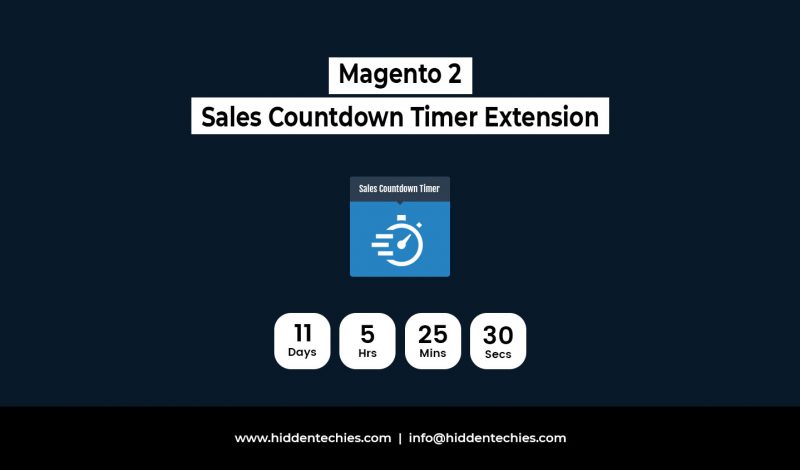
What happens every day in your eCommerce store? Customers are coming, visit product page and leave your product page. There is no purchase. Customers have natural tendency to delay buying as long as possible. It is necessary to boost conversion and sales. It can be achieved by only two thing and that is FOMO and…
Let’s take one simple case : A customer is shopping on the product page and scrolling through a product’s awesome description. The customer is getting excited to buy the product, but as they scroll further, they don’t see a buy button. They soon realize they have to scroll all the way back to the top…

Starting an online Auto Parts store? Well… it’s perfect because now it’s the right time to do it! To help, here we are presenting the 7 easy steps to start your online store. In this articles we explore simple way to start your online business. Here’s they are! Table of Content 1. Select Best eCommerce…

Recent Comments