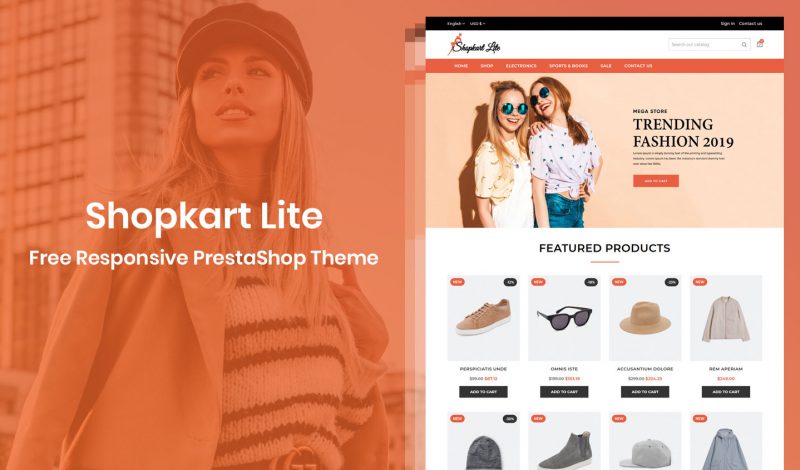
Let’s See How to 📥 Download & Install this Free PrestaShop Theme. We are happy to introduced a new FREE theme. Totally new design, Feature rich and highly flexible PrestaShop FREE theme. The Shopkart Lite – Free Responsive PrestaShop theme Shopkart Lite is fantastic resposive theme for any eCommerce store. It is a multipurpose theme….

Page 54 of 68
Christmas is near and it’s time to cheers! Holiday season are always the best for shopping. Surprise your visitor with seasonal decorations. Make your store pleasant place for shop to them. For that… Here we introduce Snowfall Effect extension for your Magento 2 store. Snowfall Effect Snowfall Effect is the extension that makes snow in…
What is PWA? PWA is stand for Progressive Web App. PWA is a combination of native apps and mobile web pages. The PWA delivered app-like experience to the end user. How Magento PWA Helps to improve my store? The Magento PWA helps you to improve your store in following ways Table of Content 1. High…
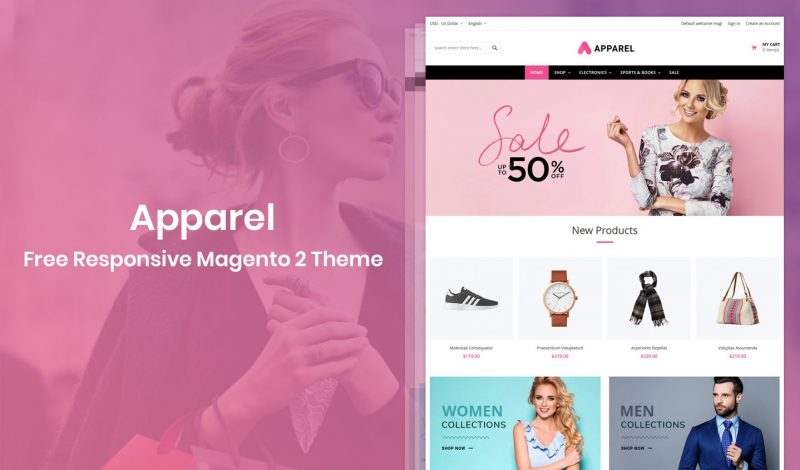
Let’s See How to 📥 Download & Install this Free Magento 2 Theme. Hello Hiddentechies blog readers! We have a BIG surprise for you. We are happy to introduced a new FREE theme. Totally new design, Feature rich and highly flexible Magento 2 FREE theme. The Apparel – Free Responsive Magento 2 theme Apparel is…

The dream of any eCommerce store owner is to visitor buy their products, fully satisfied with products and come back again. The trust is a major factor for any eCommerce stores to drive sales. It is a necessary to create a trustworthy online store. So how do you build your customer trust? Imagine that a…
Magento allow to creates different store views with different language. To create new store in your Magento 2, follow few steps. 1. Go to Store configuration. From left side menu, go to > Stores > Configuration. 2. Click on Create store view. 3. Fill the all details and click on Save store view button. Then…
In order to change the position of module, please read below steps. 1. Go to Back-office > Design > Positions: On the position page you will find the list of module in each hooks. 2. Now, Just drag and drop or use up and down arrows to change position within a hook. Changes will be…
As the shop owner, to make management process easier, this is something that you have to do. You can create individual accounts to allow right kind of access to every employee. To add new employees and set up permissions, Follow the below guide: Go to: Back-office > Advanced Parameters > Team. This page will show…
In PrestaShop 1.7, you can setup multiple currencies. To allow customers to shop in their local currency, you need to add multiple currency in PrestaShop 1.7. In order to add new currency go to: Back-office > Localization > Currencies tab and click the “Add new currency” button. Currency: Select the currency to add from the…
Default Classic template does not allow to display menu thumbnail image on front-office. To display menu thumbnails in the main menu you need to just follow the below steps. Go to: Theme root directory > modules > ps_mainmenu > ps_mainmenu.tpl Now, Copy the below code. {if $node.image_urls|count} {foreach from=$node.image_urls item=image_url} {/foreach} {/if} Then place it…


Recent Comments