SMTP authentication allows you to use a third-party email account with your contact form. In this tutorial, I will guide you how to set up the SMTP settings for your PrestaShop store. Top Free PrestaShop 1.7.5 Themes for 2019 First, Login into the Back Office of your Store and to navigate to Advanced Parameters >…

Category: PrestaShop Tutorials (page 14 of 14)
Google sitemap helps you to build a map of your online store and update it after that. It is an XML file listing all the products and pages of the site. Search engines read this file to more intelligently crawl your store. This tutorial shows how to set up Google sitemap in PrestaShop. Top Free…
Are you planning to move your e-commerce website to a different domain in PrestaShop? In this tutorial you will learn, what changes need to be done in order to change domain name (Main URL) used on PrestaShop store. Top Free PrestaShop 1.7.5 Themes for 2019 Before you begin this guide you’ll need either access to…
In this tutorial we will learn about how to reset admin user password in Prestashop store. There are 2 way to reset the admin password in Prestashop. Let do the following steps to reset your admin password in Prestashop. Method: 1 Reset password via email It is the easiest way to reset your lost password…
Your custom theme might contain new strings that are not present in the default theme of PrestaShop. Developers don’t always create translation ready themes, so when you’re buying a premium theme make sure to ask if it’s translation ready. If your theme doesn’t have the language that you want, then you can create the translations…
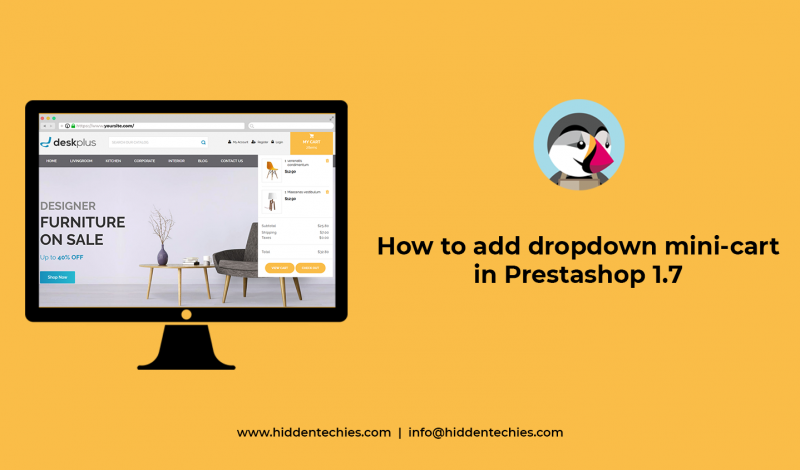
In Prestashop 1.7, mini cart doesn’t support dropdown cart. Because Prestashop 1.7 removed this feature which is really need for any ecommerce store. So, today I’m going to show you how can we add dropdown cart with hover. To avail this feature just follow this simple steps. Why to Choose Our Premium Prestashop Themes Step…
In Prestashop 1.7, the decimals feature does not work anymore even if we change number of decimal on the Back Office because we mostly round up the price (it should be 0 instead of 0.00). Why to Choose Our Premium Prestashop Themes Basically there is option to set it on BO: Back Office > Configure…
Prestashop released 1.7.4 version to provide complete new way to deal with theme customization. So, let’s talk about one of most important child theme feature and how you can use it to customize themes more easily in brief. Why to Choose Our Premium Prestashop Themes What is child theme feature? A child theme is a…

Recent Comments